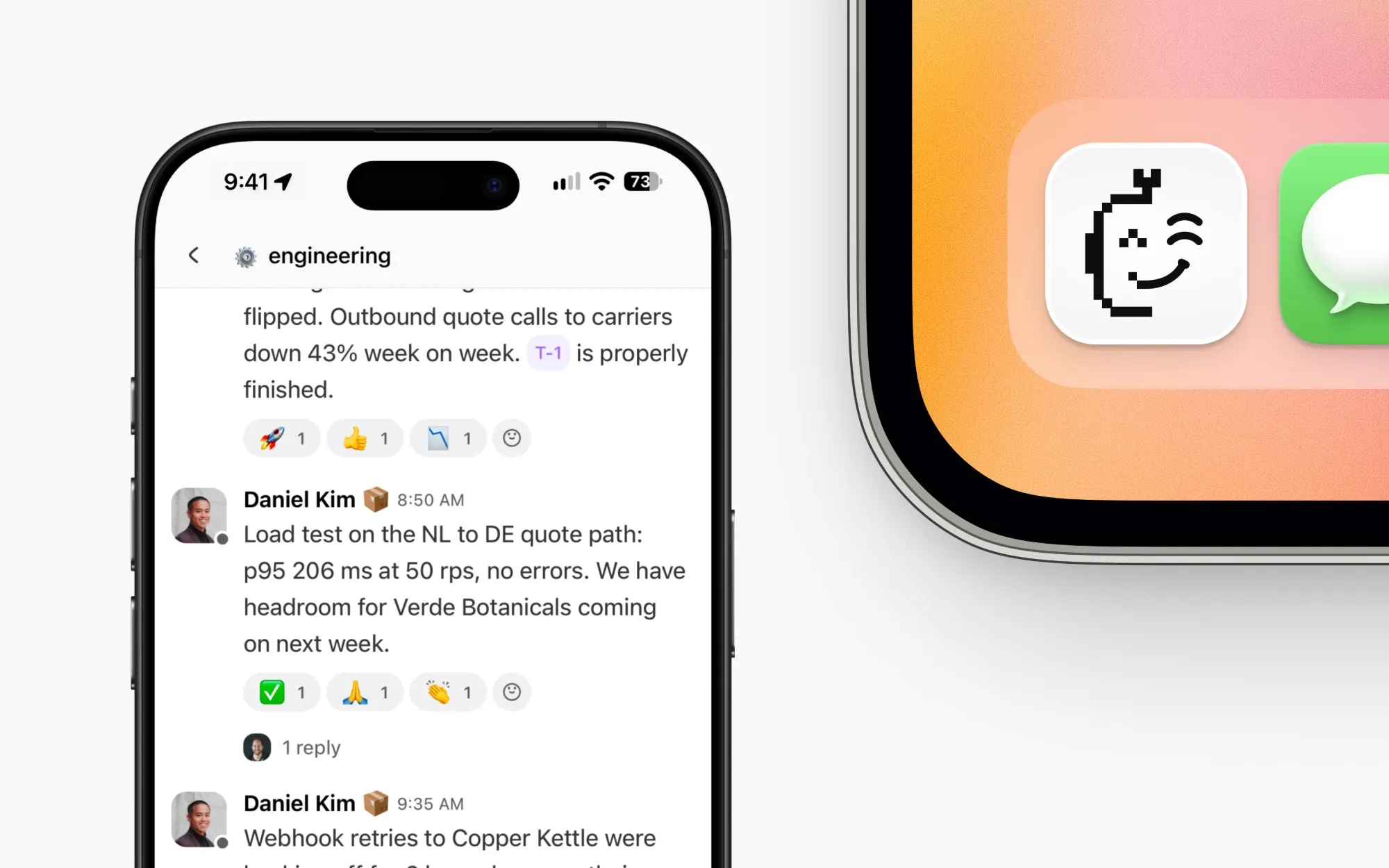
Brand identity, website and product design for a workspace where teams collaborate with AI.
Role
Lead Product Designer · Product, UX/UI & Brand
The product
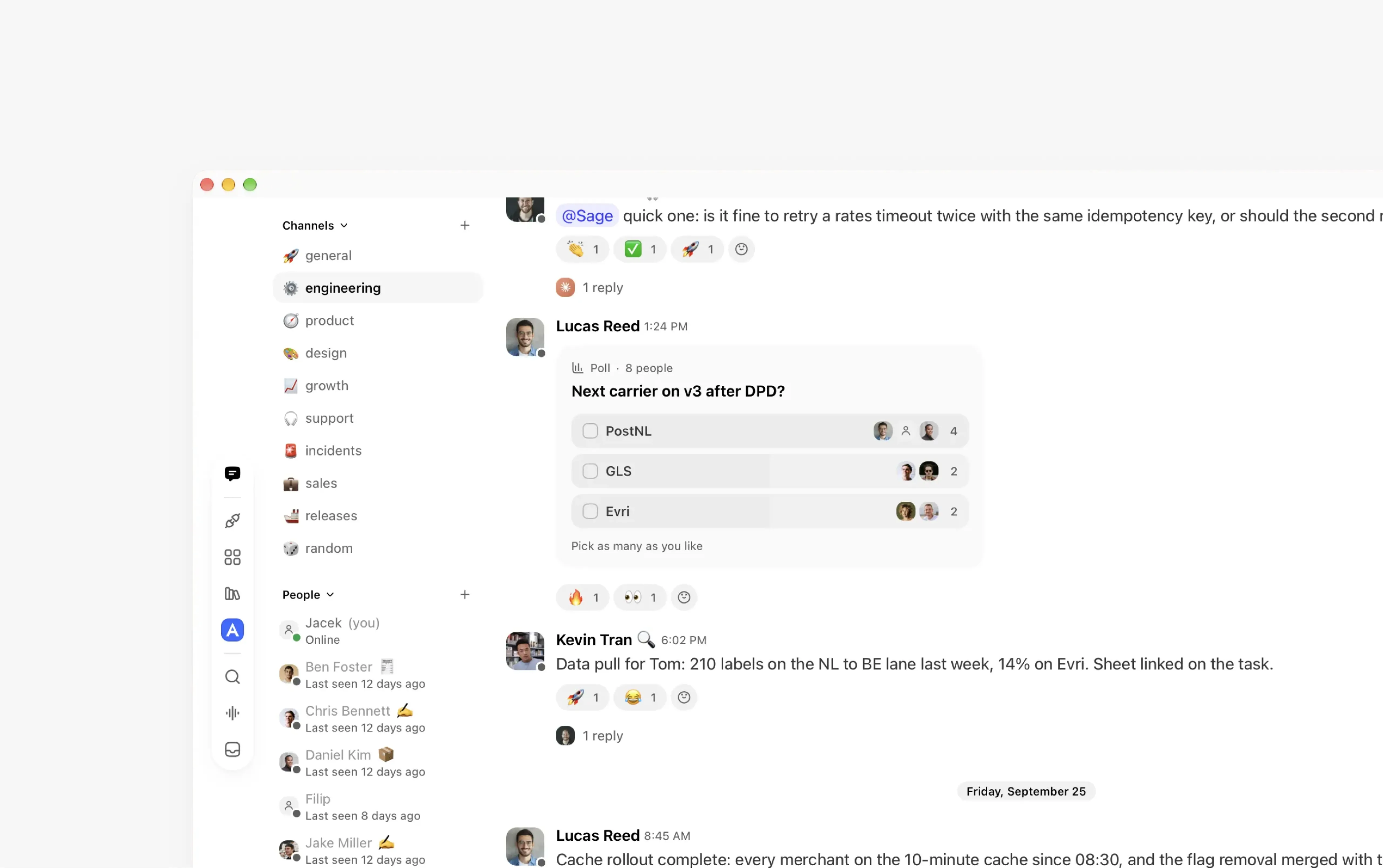
WeMachines brings chat, tasks, documents, calls and AI agents into one workspace for software teams. Instead of treating AI as a separate tool, the idea is to let people and agents work together with the same context.
I joined to create the brand and landing page, then moved into product design - reviewing the existing experience, improving the UX, and designing and vibe coding new features.
A human and a machine, in one face
I combined a human and a robot face into a single mark. It gave the name WeMachines a visual counterpart, bringing both sides of that collaboration together.
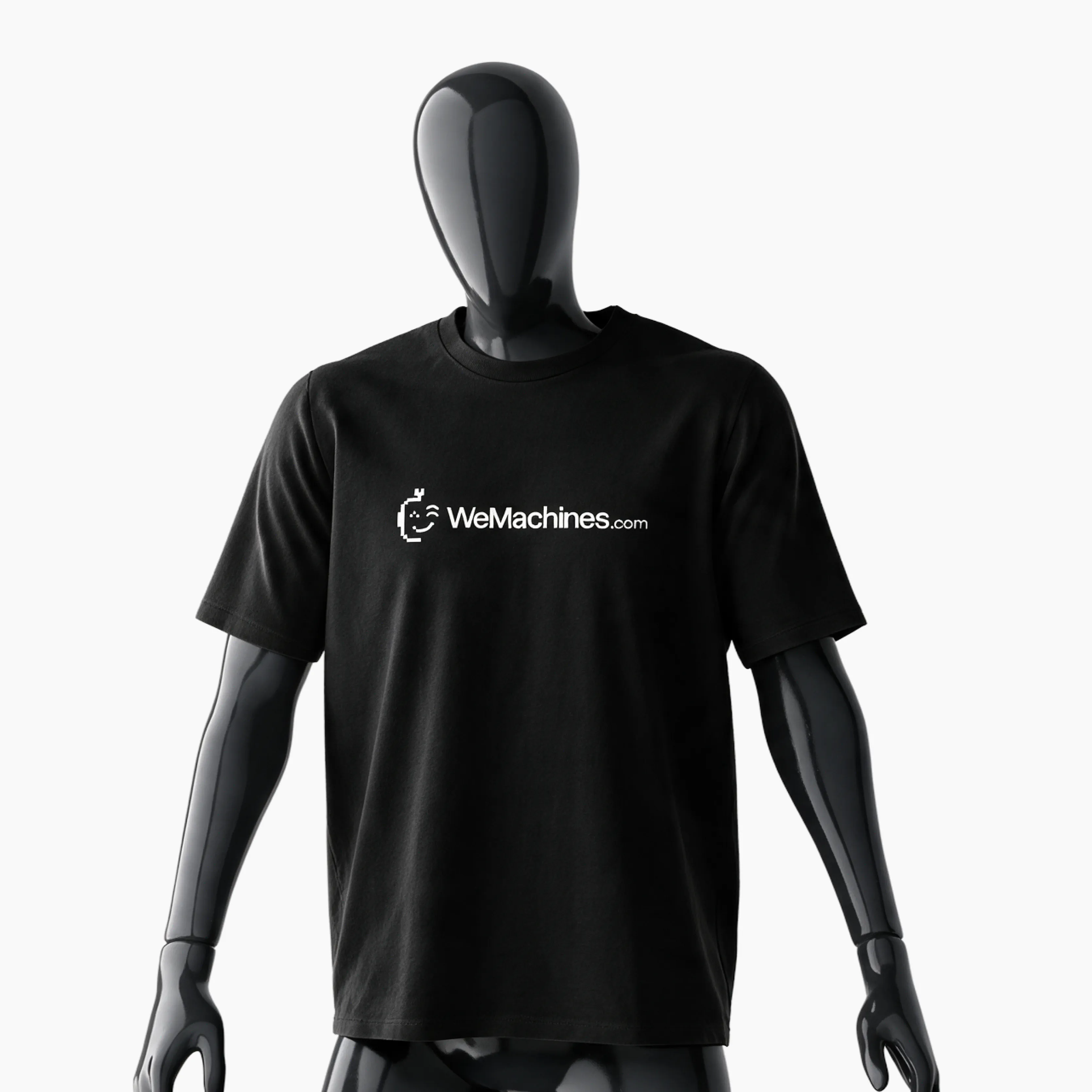
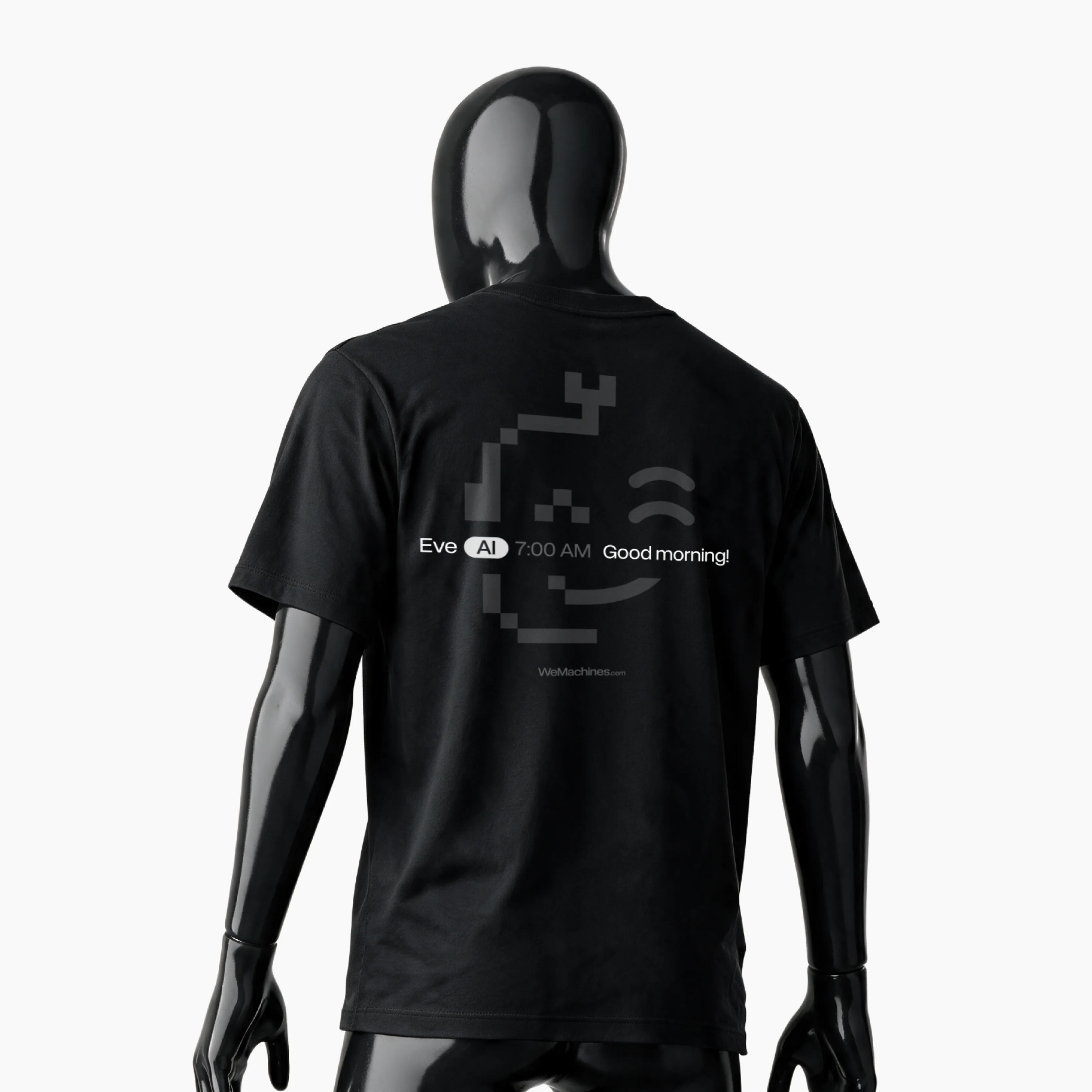
Designing conference t-shirts to help promote the product and attract new customers.
Introducing WeMachines
WeMachines does a lot, so the landing page had to explain the product without overwhelming people with features.
I designed the website and created videos and visuals to show how chat, tasks and AI agents work together. I also worked directly with the CEO and Sales team on how to present the product to potential customers.
wemachines.com
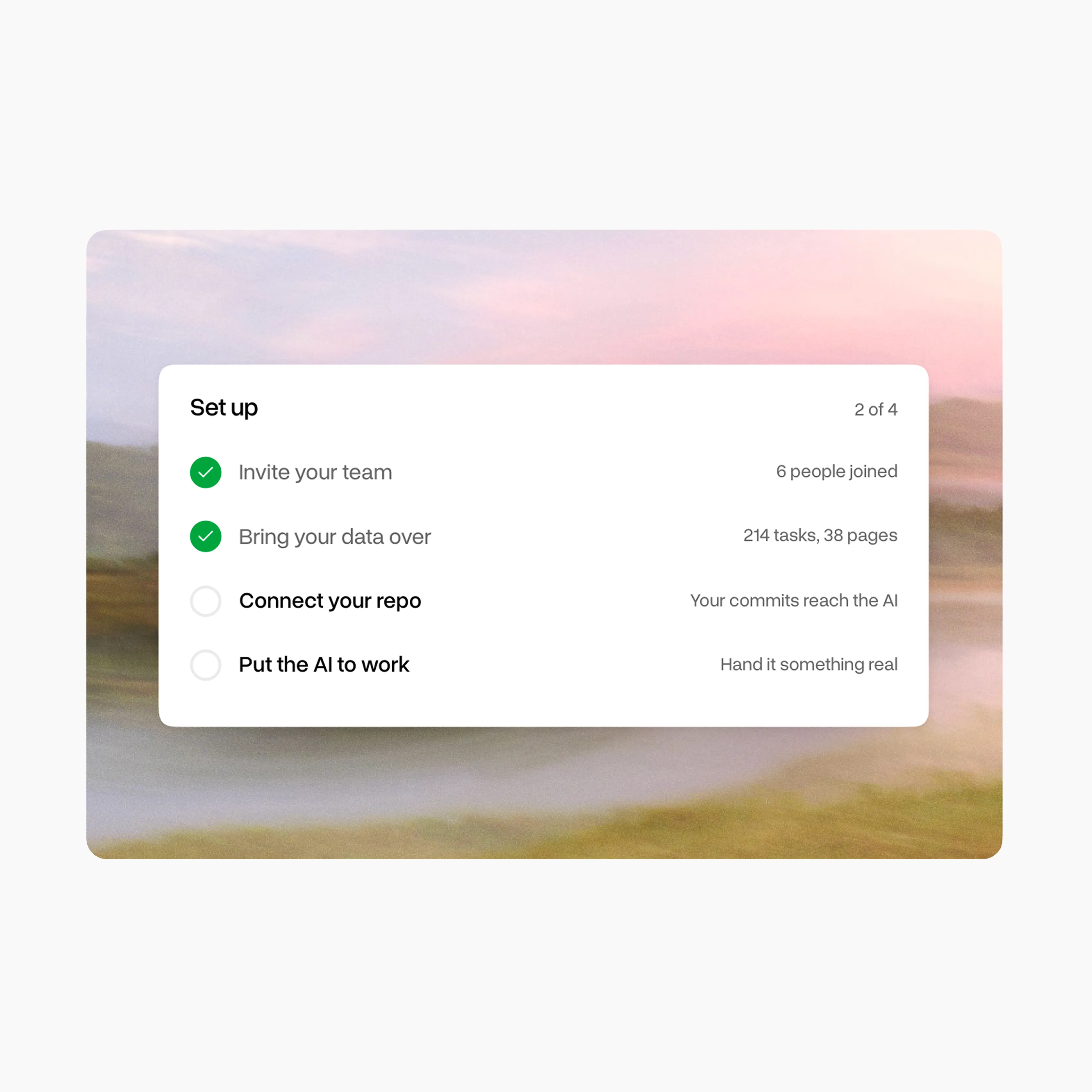
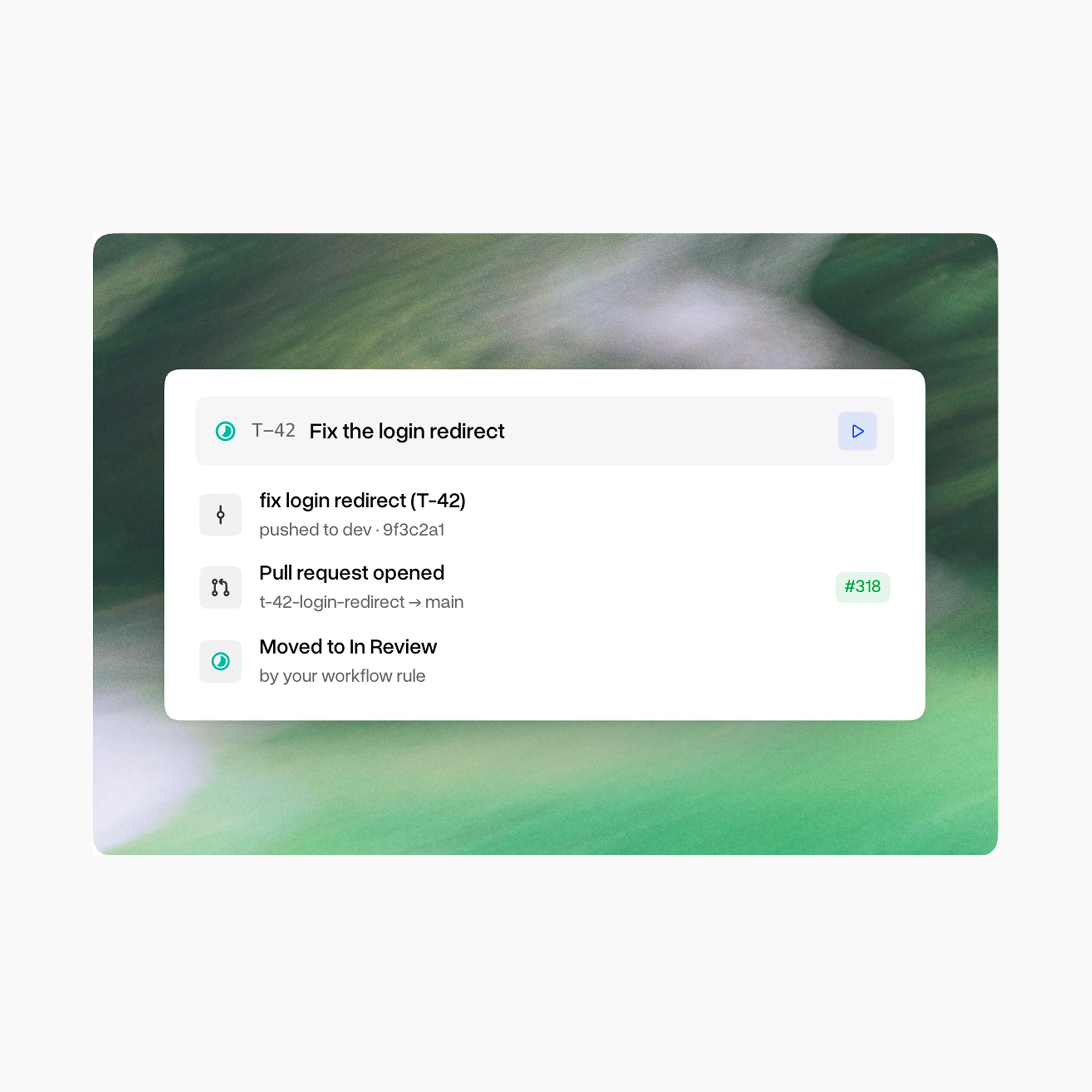
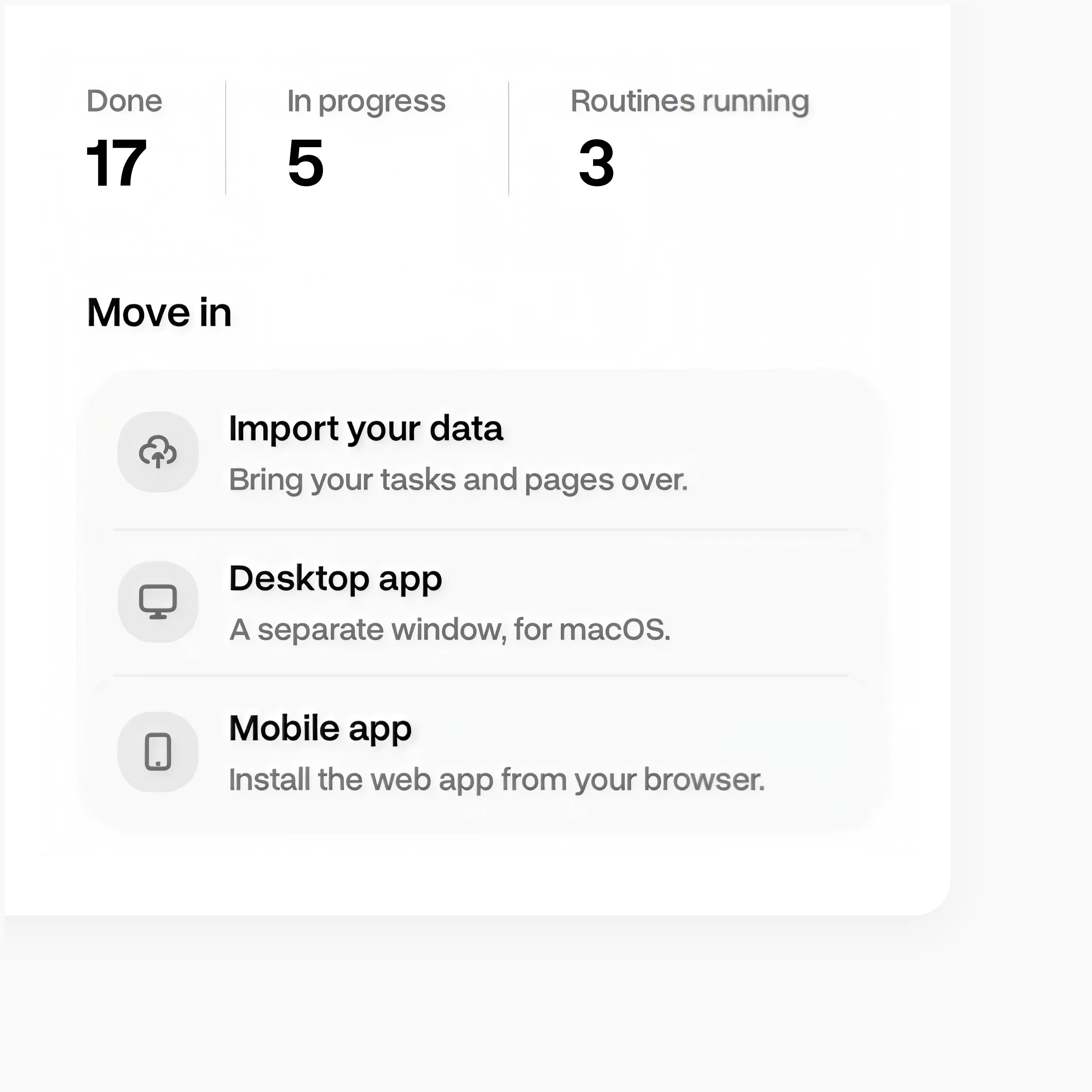
I made the videos in Higgsfield and created the animated UI elements.Left: how a team can get started, from bringing existing work into the workspace to connecting their code. Right: how a task can move from an idea to a pull request, with the progress visible to the team.
Designing across desktop and mobile
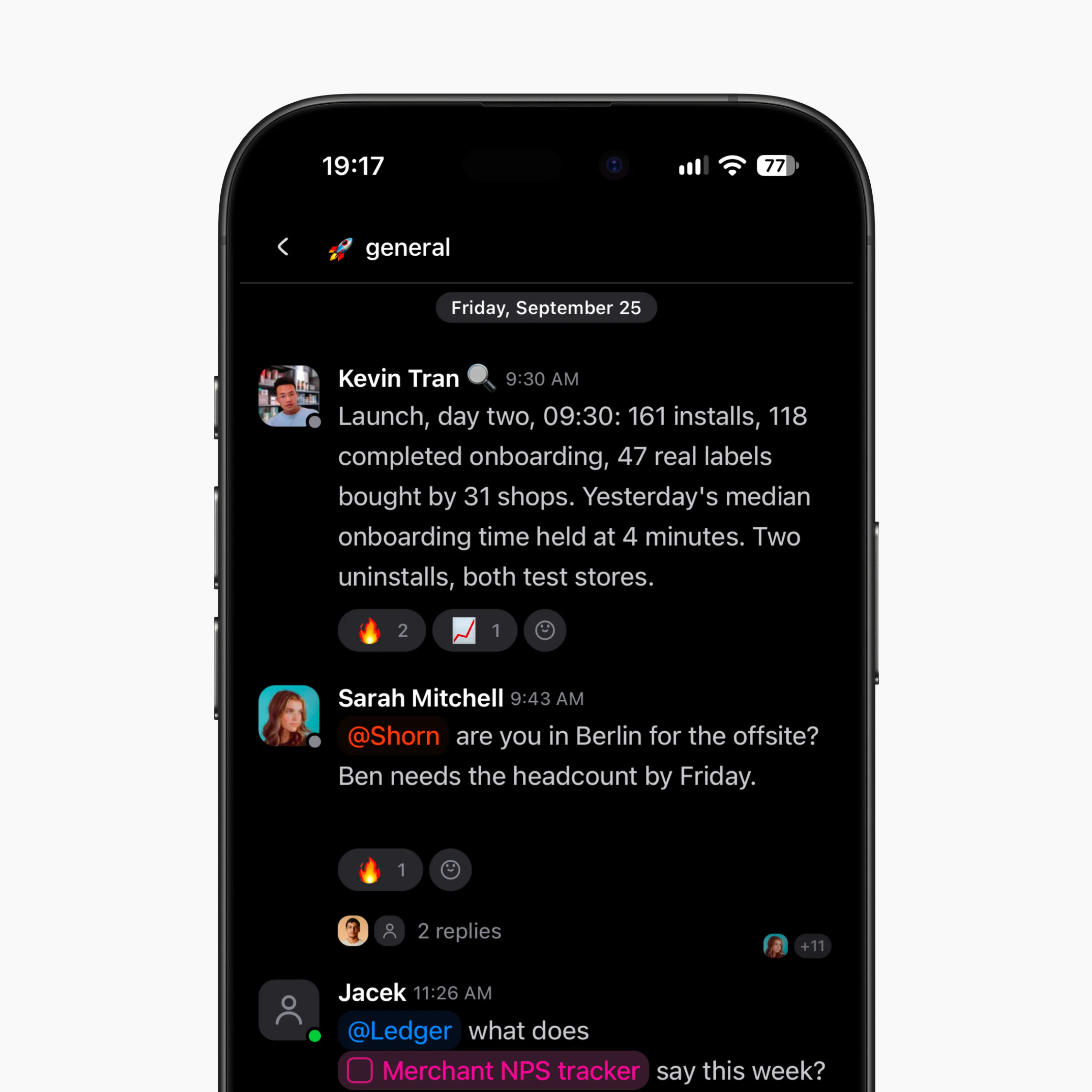
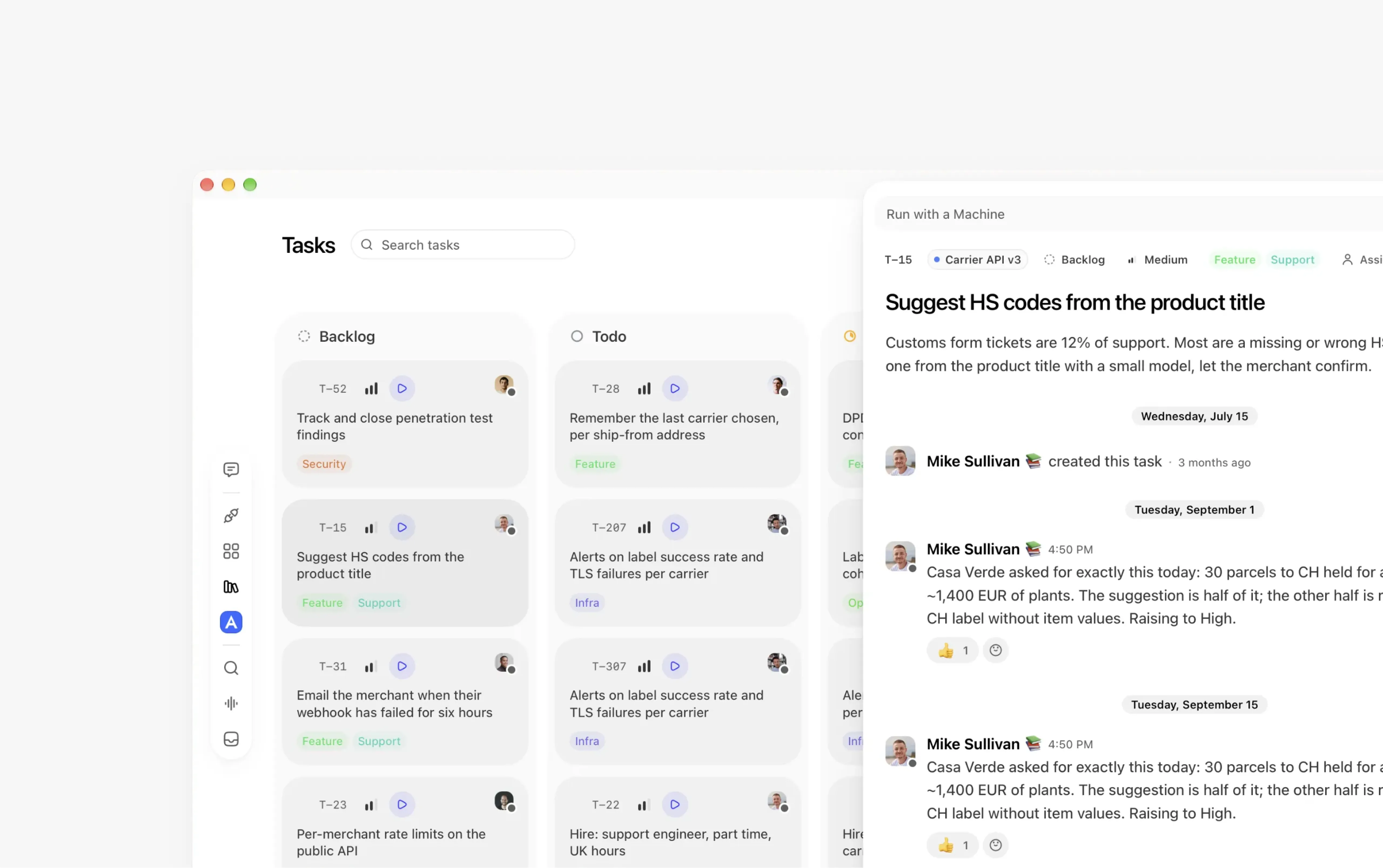
I reviewed the existing desktop and mobile apps to identify UX issues and improve the everyday experience.
My work covered different parts of the workspace, including chat, tasks and documents. I focused on clearer interactions, better use of space and keeping the experience consistent across screen sizes.
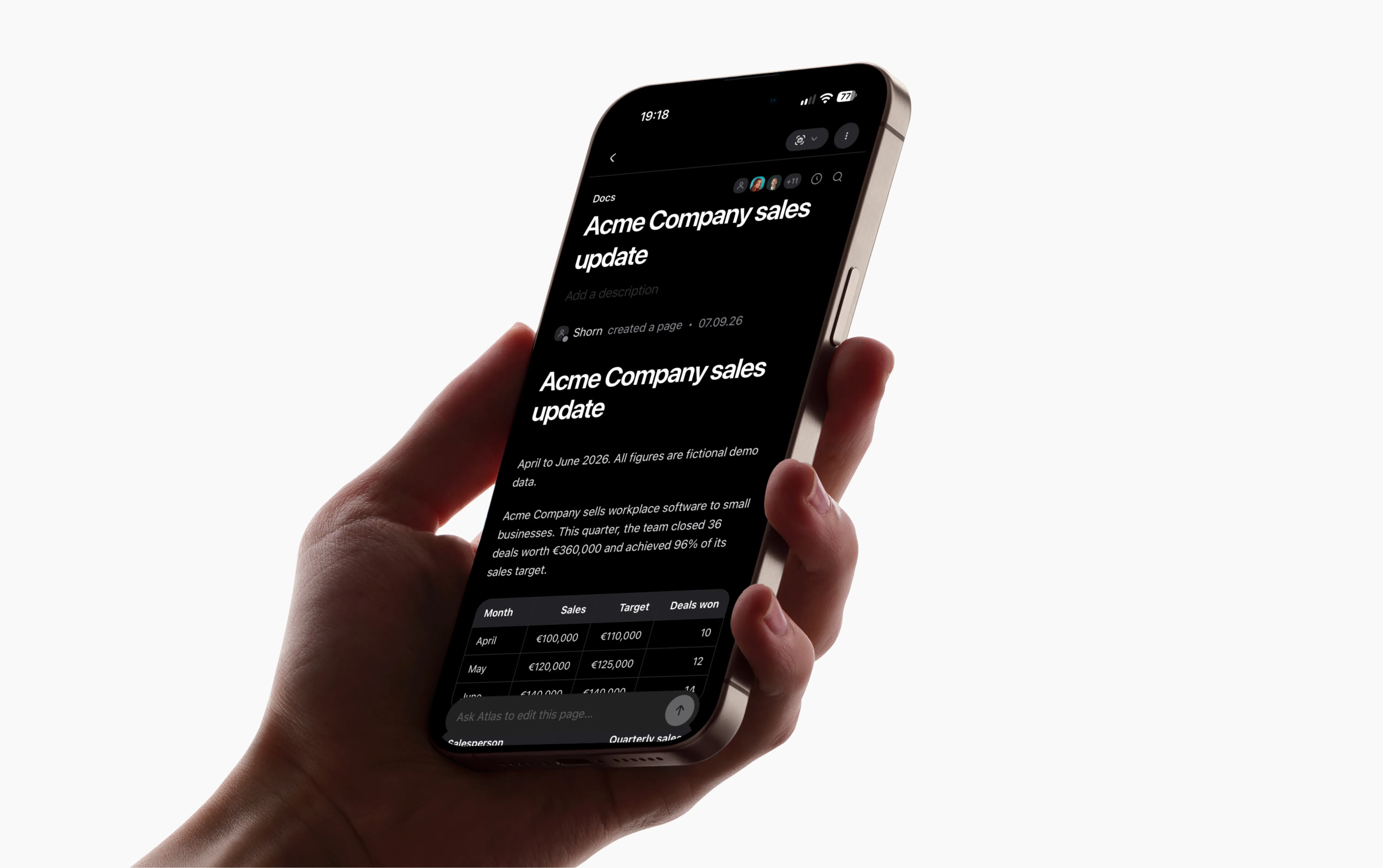
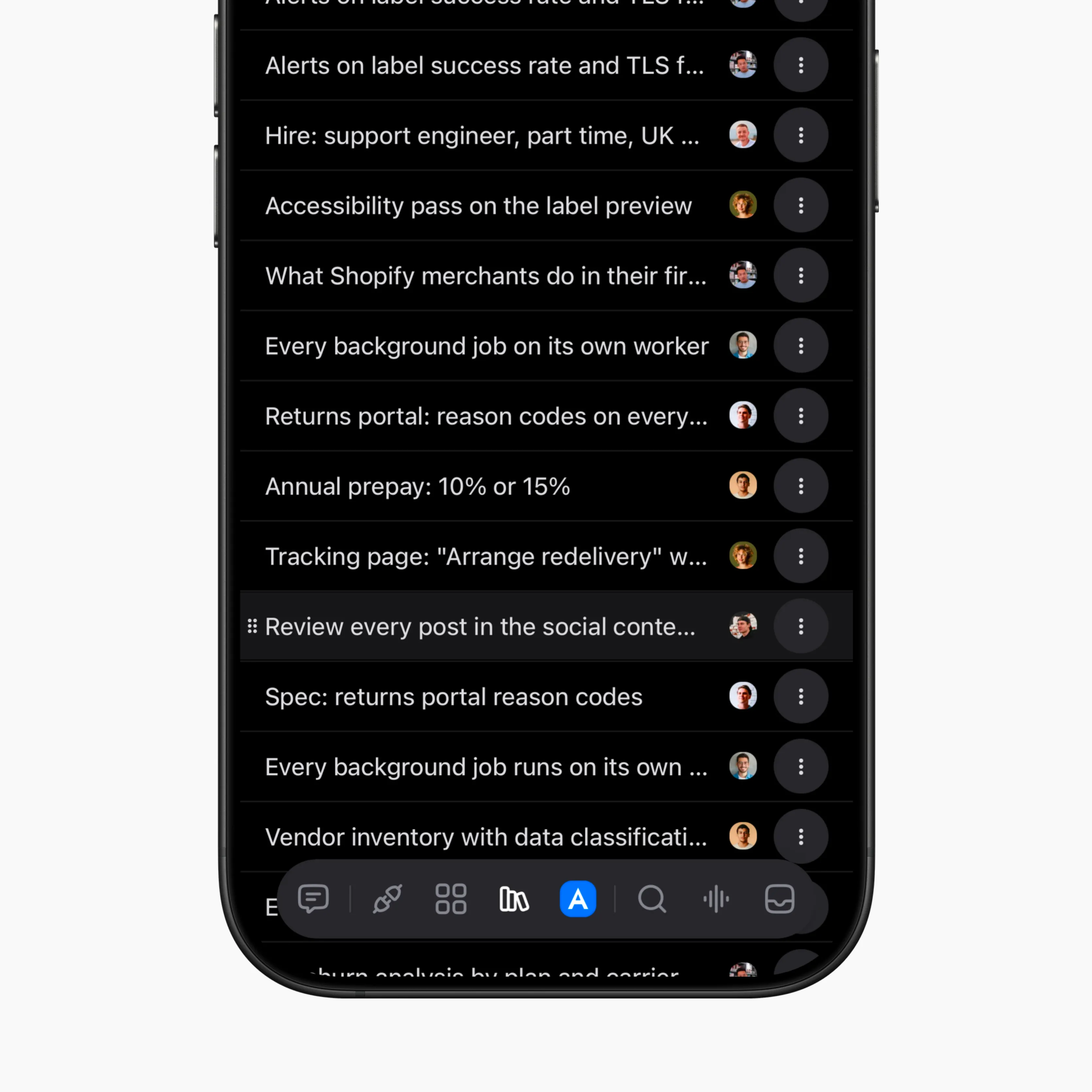
Keeping documents readable and editable on smaller screens.
Helping new teams get started
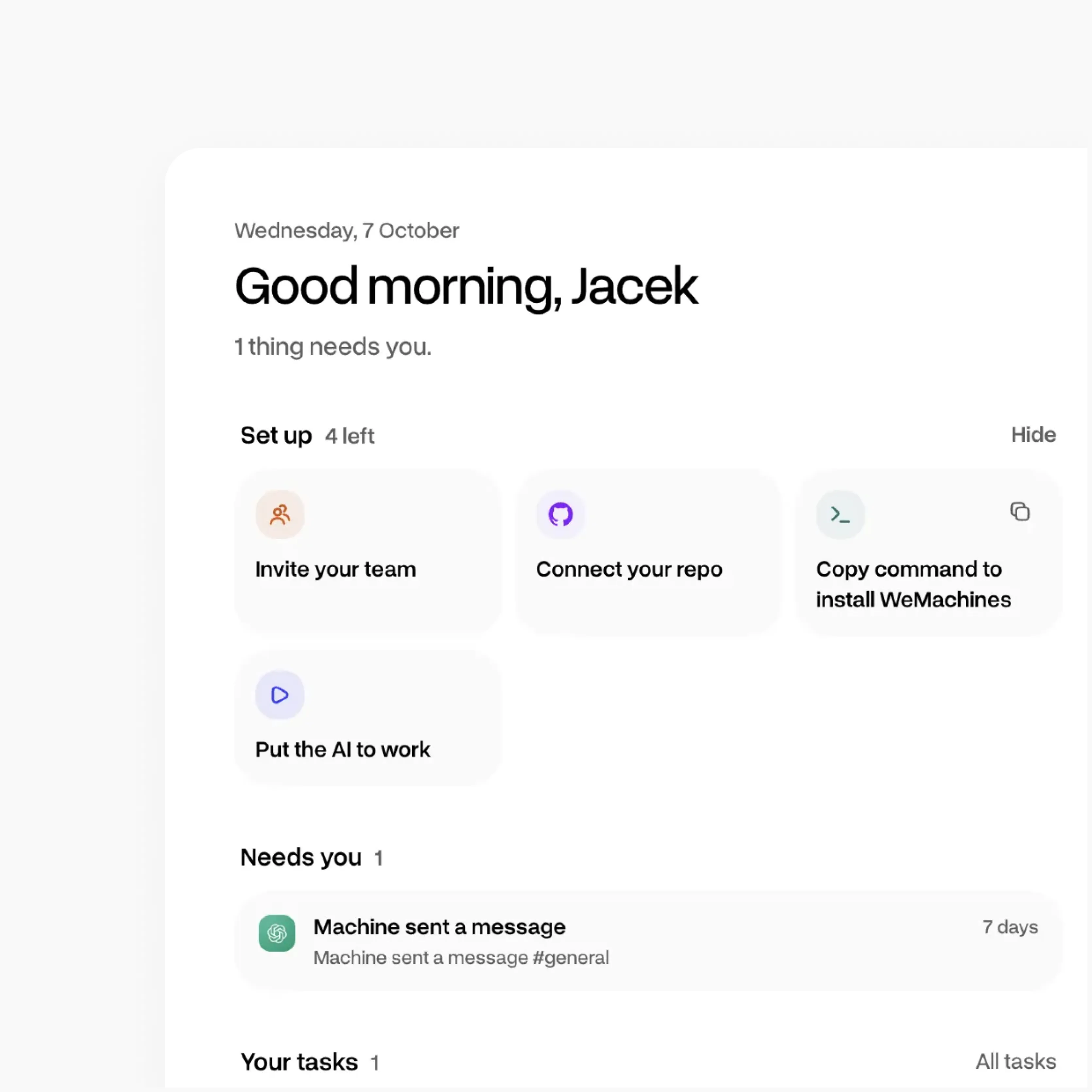
A new workspace can feel empty before a team has brought in its conversations, tasks and documents.
I explored how the home screen could help people get started while still being useful once they're up and running.
From design to working code
I started taking some features beyond Figma, using AI-assisted coding to build and refine working interfaces.
It helped me test interactions in real conditions, catch issues that aren't always obvious in static designs and work more directly with the codebase.
⌥⌘1✳ Build ****** board for Tasks
✳ Build ****** board for Tasks (node)
●Update(src/********/*****/****/********.tsx)
Added 12 lines, removed 2 lines
●List view now groups tasks by status, with counts in the section headers.
✻ Worked for 52s
❯build the ****** view for Tasks: columns from task status, drag cards between
columns, *** limit in each column header, *****-owned cards get a *** badge.
follow the board frame in Figma, 8px grid, theme.css tokens only
Searched for 6 patterns, read 14 files (ctrl+o to expand)
●I'll add Board as a second view next to List and reuse TaskCard.
●Write(src/********/*****/*****/*********.tsx)
Wrote 186 lines to src/********/*****/*****/*********.tsx
●Reactions now wrap under long messages instead of stretching the bubble.
✻ Worked for 1m 20s
❯the composer jumps 4px when "***** is typing…" shows. reserve the row, fade only
●Update(src/********/*******/**************.tsx)
Added 6 lines, removed 3 lines
✶Checking layout shift at 1280 and 1440… (52s · ↓ 2.1k tokens · esc to interrupt)
❯
●WORK[email protected] | ~/Desktop/wemachines/******* | Opus 5 (1M context)
✳ ****** empty state (node)
✻ Worked for 2m 10s
❯where do ****** live in the app today? map every entry point first
Searched for 4 patterns, read 9 files (ctrl+o to expand)
●There's no empty state yet: a new workspace opens on a blank #****** channel.
❯design the #****** empty state: 3 starter ****** as cards (******* *****, **
********, ******* *****), one primary "Add *****" CTA, a quiet "******
*********" link. 8px grid, theme.css tokens only, light + dark, 360px mobile too
✶Planning… (0s · ↓ 0 tokens · esc to interrupt)
❯design the #****** empty state: 3 starter ****** as cards (******* *****, **
********, ******* *****), one primary "Add *****" CTA, a quiet "******
*********" link. 8px grid, theme.css tokens only, light + dark, 360px mobile too
●WORK[email protected] | ~/Desktop/wemachines/******* | Opus 5 (1M context)
⏸ plan mode on (shift+tab to cycle)
✳ Task ***** safe area (node)
❯[Image #1] on iPhone SE the "Assign to *****" button in the task ***** sits
under the home indicator. respect the safe area, keep the tap target 44px min
●Fixed. The ***** footer now respects the bottom safe area and the button keeps a
44px hit area. Checked in the simulator on iPhone SE, 16 and 16 Pro Max.
❯same for the "New task" ***** and the ***** picker, then open a PR
●WORK[email protected] | ~/Desktop/wemachines/****** | Opus 5 (1M context)
⏵⏵ accept edits on (shift+tab to cycle)
Default (esbuild")
s
12:12:59 [vite] (client) page reload .
svelte-kit/generated/client/nodes/36.j
s
12:12:59 [vite] (client) page reload .
svelte-kit/generated/client/app.js
12:12:59 [vite] (ssr) page reload .sve
lte-kit/generated/server/internal.js
12:12:59 [vite] (client) page reload .
svelte-kit/generated/client/nodes/6.js
12:12:59 [vite] (client) page reload .
svelte-kit/generated/client/nodes/54.j
s
Default (esbuild")
it 200 OK (485ms)
[wrangler:info] GET /api/github/latest-comm
it 200 OK (695ms)
[wrangler:info] GET /api/github/latest-comm
it 200 OK (526ms)
[wrangler:info] GET /api/github/latest-comm
it 200 OK (636ms)
[wrangler:info] GET /api/github/latest-comm
it 200 OK (477ms)
[wrangler:info] GET /api/github/latest-comm
it 200 OK (669ms)
[wrangler:info] GET /api/github/latest-comm
it 200 OK (566ms)
Default (esbuild")
○Starting local server...
[wrangler:info] Ready on http://localhost
:8789
○Reloading local server...
○Local server updated and ready
○Reloading local server...
○Local server updated and ready
○Reloading local server...
○Local server updated and ready
○Reloading local server...
○Local server updated and ready
○Reloading local server...
○Local server updated and ready
Default (workerd")
[wrangler:info] GET /api/channels 200 OK (9m
s)
[wrangler:info] GET /api/tasks 200 OK (12ms)
[wrangler:info] GET /api/****** 200 OK (7ms)
[wrangler:info] POST /api/tasks 201 Created
(18ms)
[wrangler:info] GET /api/me 200 OK (3ms)
[wrangler:info] PATCH /api/tasks/482 200 OK
(14ms)
[wrangler:info] GET /api/tasks 200 OK (10ms)
[wrangler:info] GET /api/workspace 200 OK (8
ms)
[wrangler:info] GET /api/****** 200 OK (5ms)
[wrangler:info] GET /api/tasks 200 OK (9ms)
Default (esbuild")
lte
12:09:11 [vite] (ssr) page reload src/li
b/components/icons/hero/ChevronDownOutli
ne.svelte
12:09:11 [vite] (ssr) page reload src/li
b/components/icons/hero/ChevronLeftOutli
ne.svelte
12:09:11 [vite] (ssr) page reload src/li
b/components/icons/hero/ChevronRightOutl
ine.svelte
12:09:11 [vite] (ssr) page reload src/li
b/components/icons/hero/ArrowPath.svelte
12:09:24 [vite] (ssr) page reload src/li
b/icons.ts
Claude Code sessions on WeMachines: the task board in the main pane, with smaller fixes running alongside.I created a tool that visualises the knowledge (context) shared between users.